Codechi
Retail and restaurant, from the same desk.
Sales, stock and business reports in one place. The till stays at the outlet. This page is where you open it and read the day.
Retail
Codechi Retail
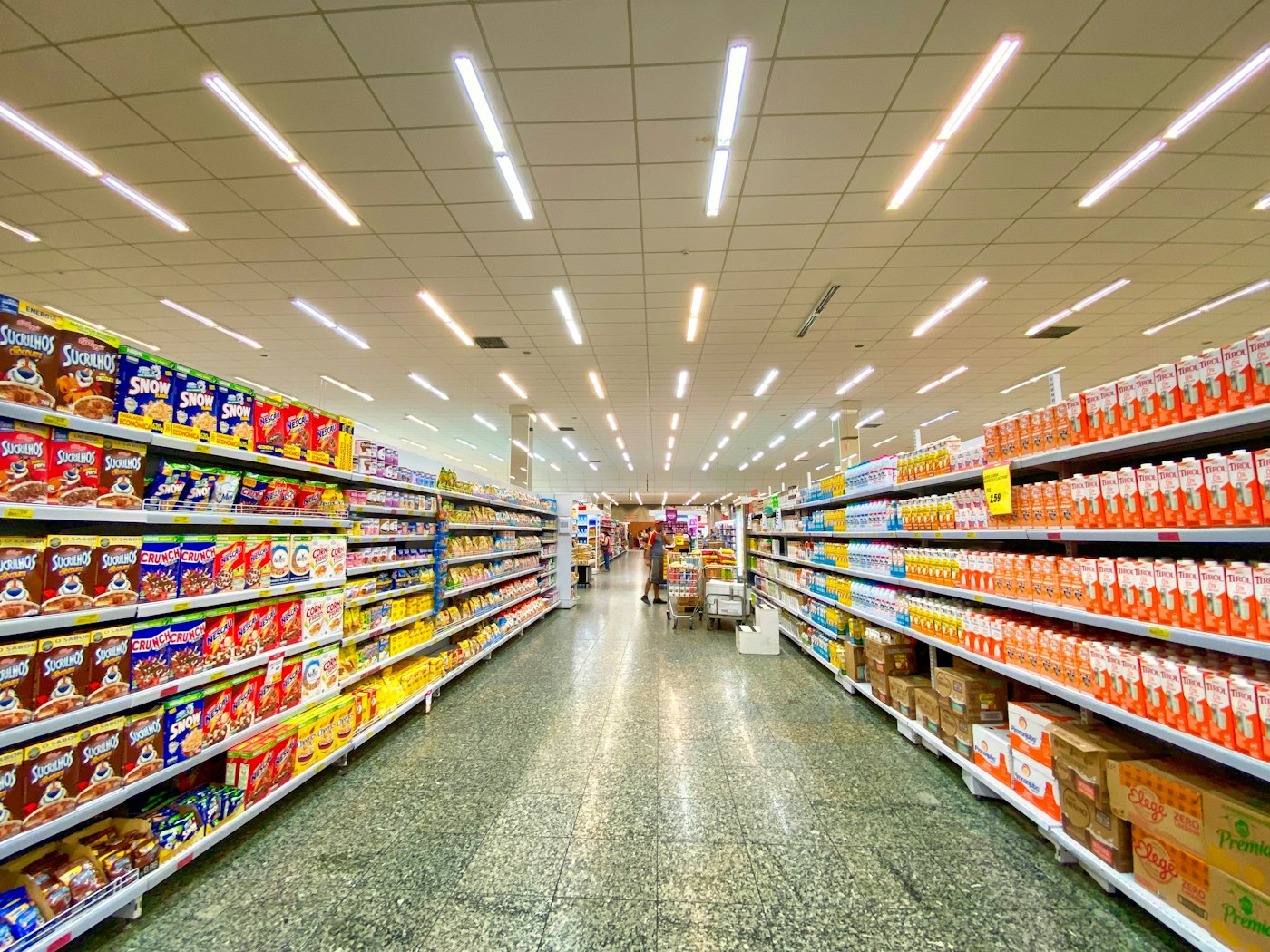
The till for a shop. Sell at the counter, keep stock honest, and close the day on the same computer.
- Counter Scan a barcode or pick an item. Cashiers sell without a floor plan in the way.
- Payments Cash, card, and M-Pesa. Tax and the receipt follow the sale.
- The close End of day and cash-up. The same figures open here when you log in.
- The shop Items, prices, users, and what each till is allowed to do.
Restaurant
Codechi Restaurant
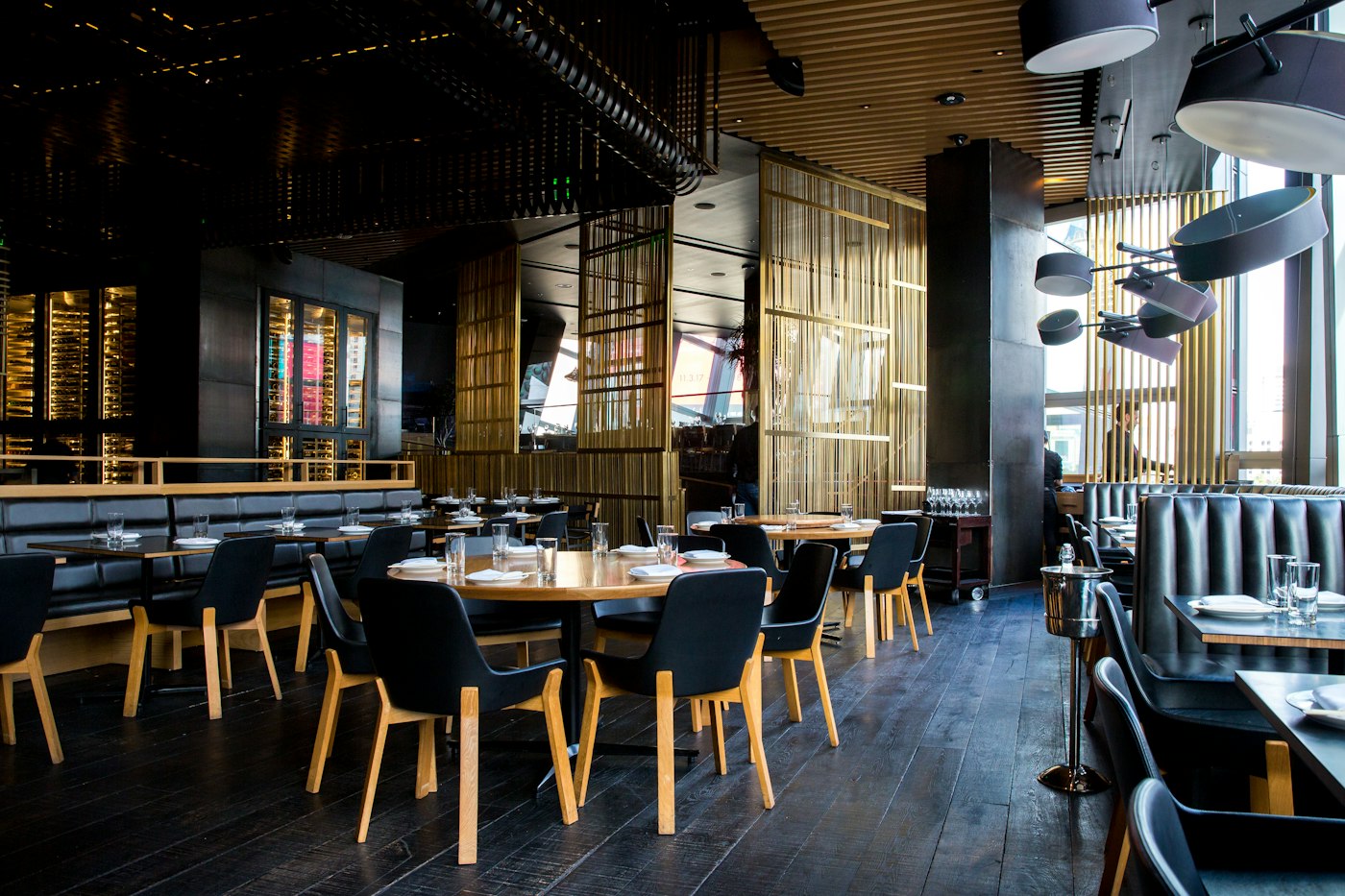
The floor system for a dining room. Tables, orders, and the kitchen stay in one service.
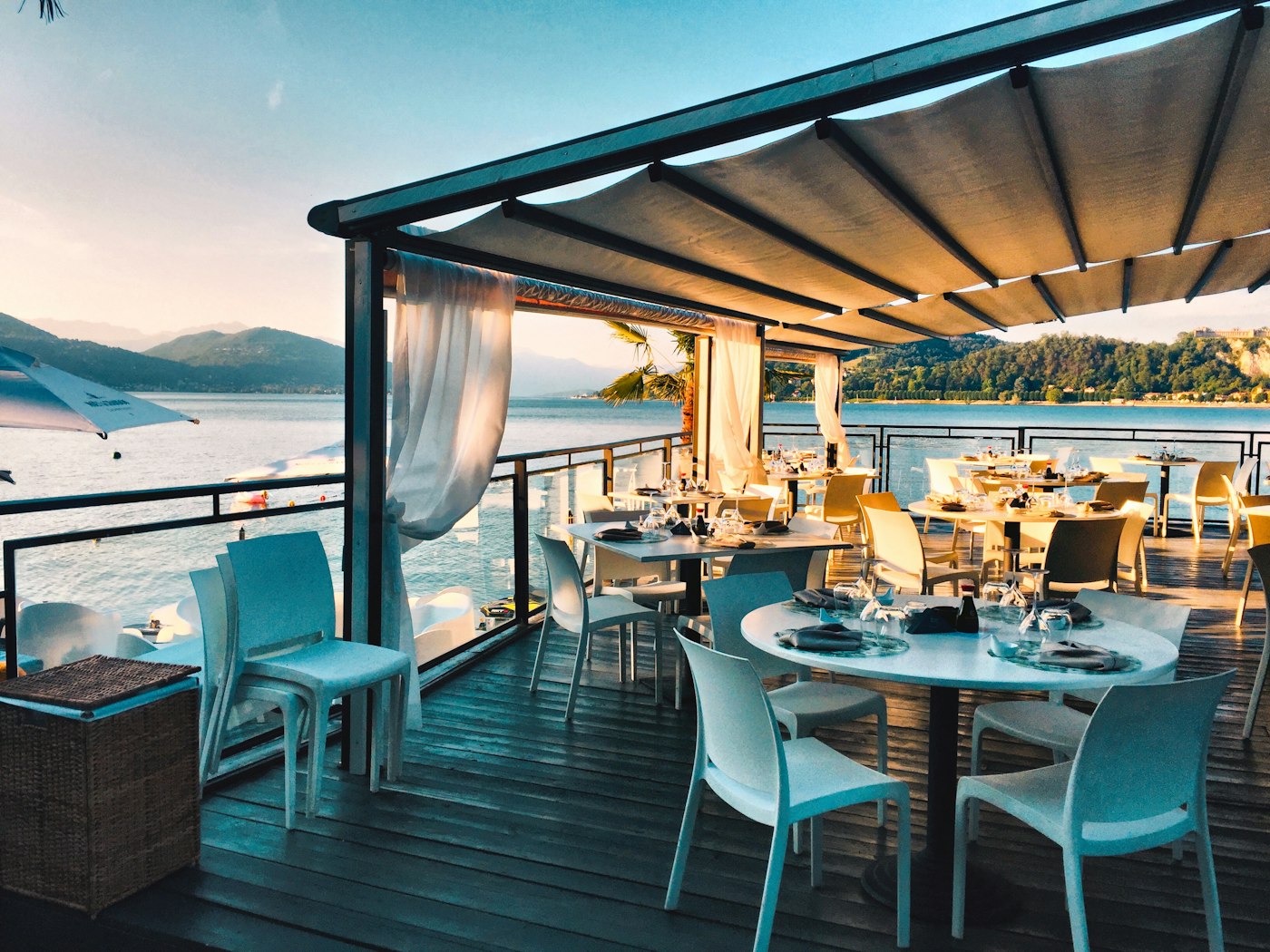
- Floor Tables and tabs. Move an order, merge a table, hand it to another person.
- Orders Courses, modifiers, and notes. The kitchen sees what the floor sent.
- Kitchen Printer groups and a kitchen display, so bar and pass are not the same ticket.
- Settlement Split a check, take a discount, or put it on account. Then close the day.
Stock
Stock lives in the same system.
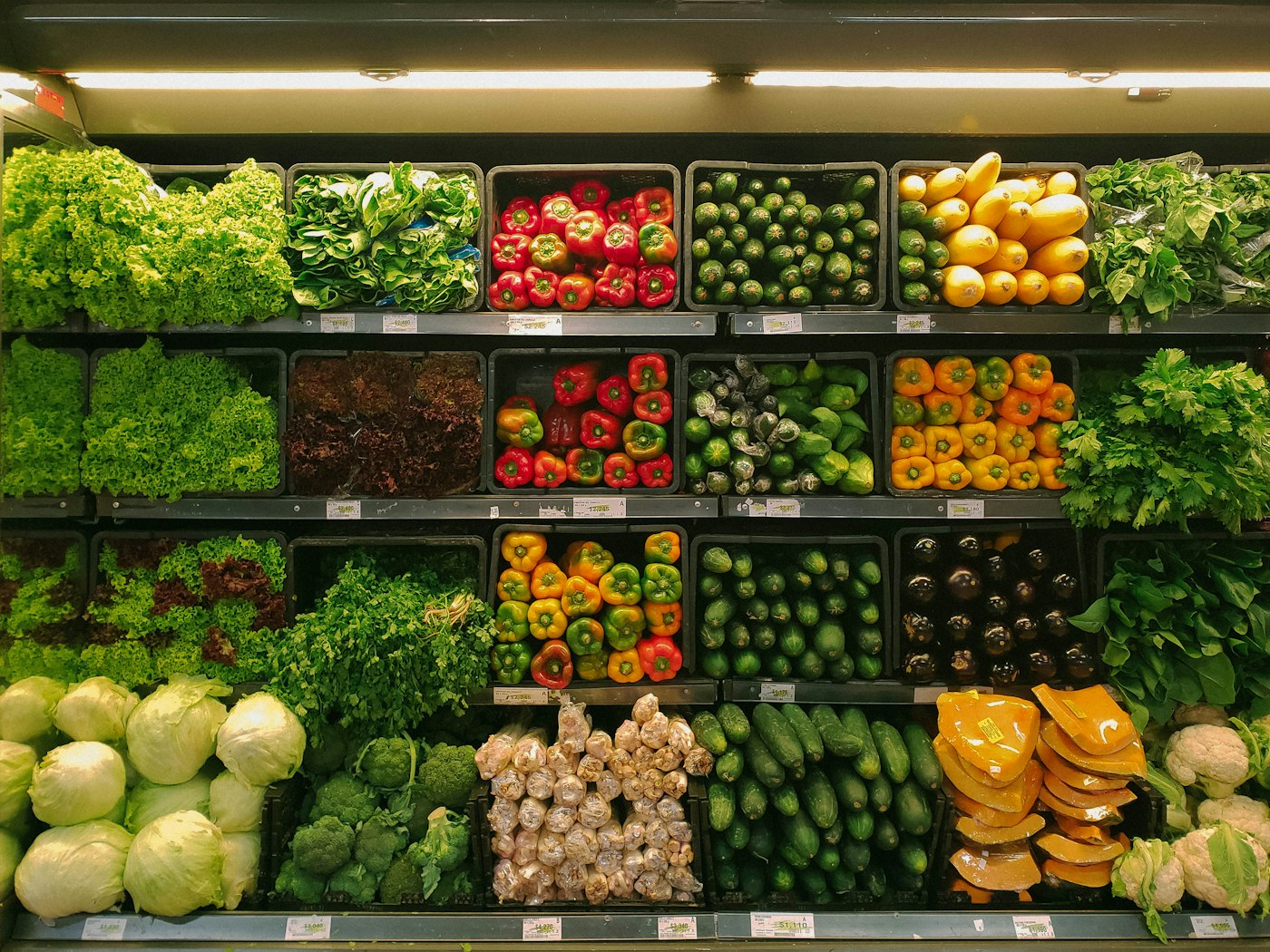
Counts, buying, and what left the shelf sit next to the sale. A shop and a restaurant use the same stock desk, with recipes where a dish should deduct ingredients.
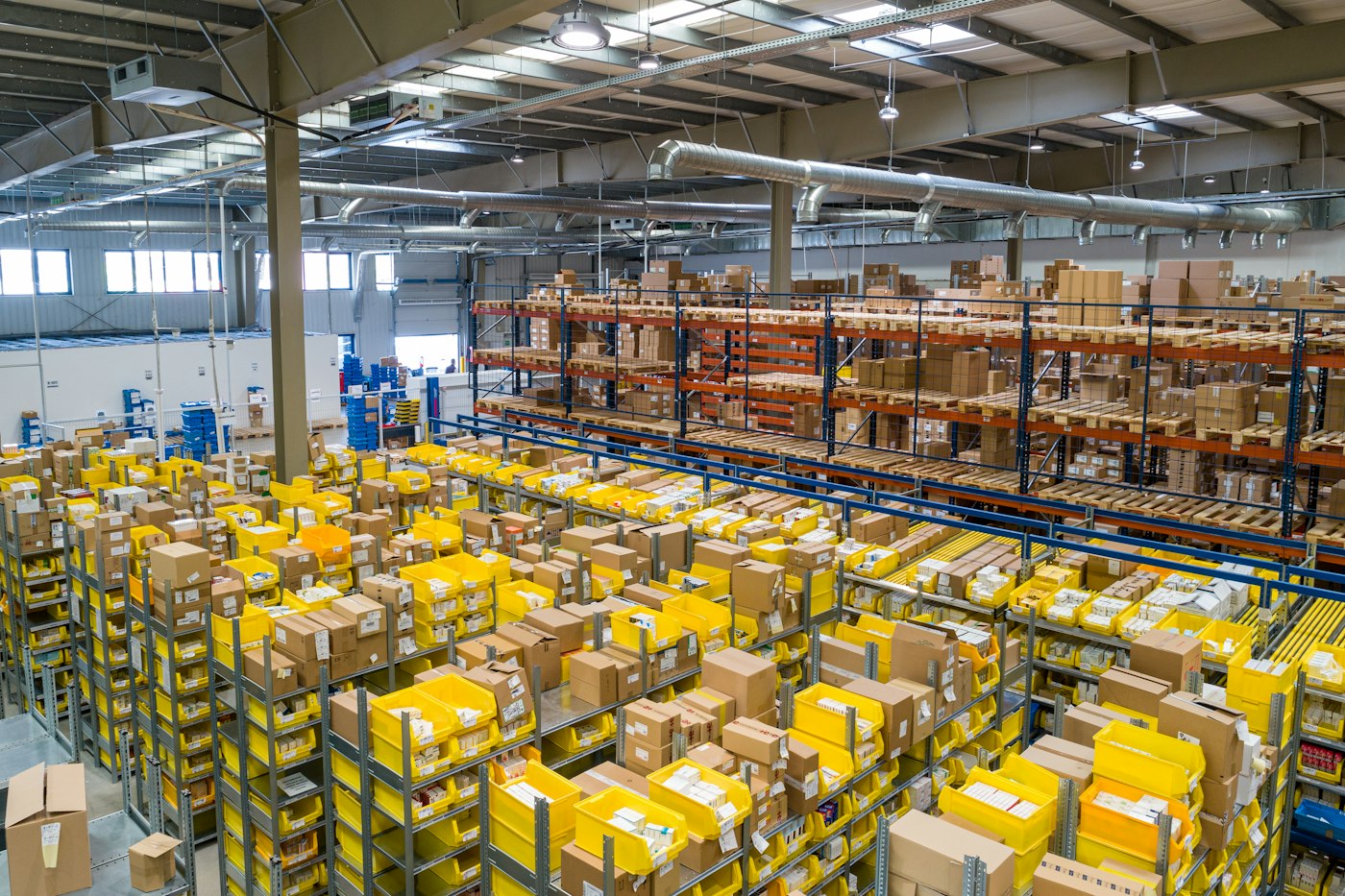
- On hand Catalog, cost, and balances by location. Move stock between stores.
- Counts Stock takes, the movement ledger, and a warning when a line runs low.
- Buying Suppliers, purchase orders, and goods received against those orders.
- Recipes A sold dish can deduct what it used, so the count is not only what you typed.
About
Codechi, Nairobi.
Codechi is a studio that designs and builds software for businesses that have to open in the morning. Retail and Restaurant are the two systems we put on the floor.
Build. Brand. Grow. is the rest of the work, when a business needs a name, a site, or a way to be found. The studio is at codechi.co.ke.
Log in
Enter your email to access your outlet, then log in.